Store a reserve. Keep production moving.
A passive reservoir between extraction, refining and your service station. One tank holds one liquid at a time.
Storage capacity: 1000 L ◆
Default capacity; the server can configure it.
- Crude oil
- Petrol
- Diesel
One tank, one liquid
The first liquid sets the contents. Drain the tank completely before switching to another liquid; different liquids never mix.
Transfer with a jerry can
- Pour into the tank — Hold right-click with a filled can of the matching liquid.
- Fill an empty can — Hold right-click with an empty can. The display shows the direction and both amounts.
- Pause and resume — Release to pause. The same can, hand and tank resume filling. After changing item or slot, or reconnecting, check the direction shown.
Release before using again
When the can is empty or full, or the tank is empty or full, holding the button does not reverse the transfer. Release it first.
Connect a transfer hose
- Select the source — Click a stocked tank on any face, or select a compatible machine output.
- Select the destination — Click the tank on any face or a compatible machine input. Transfers start only when the liquid is accepted.
Both ends must stay loaded and within reach. The hose stops at an empty source or full destination. See sheet 07 for range and cancellation.
Read the stored amount
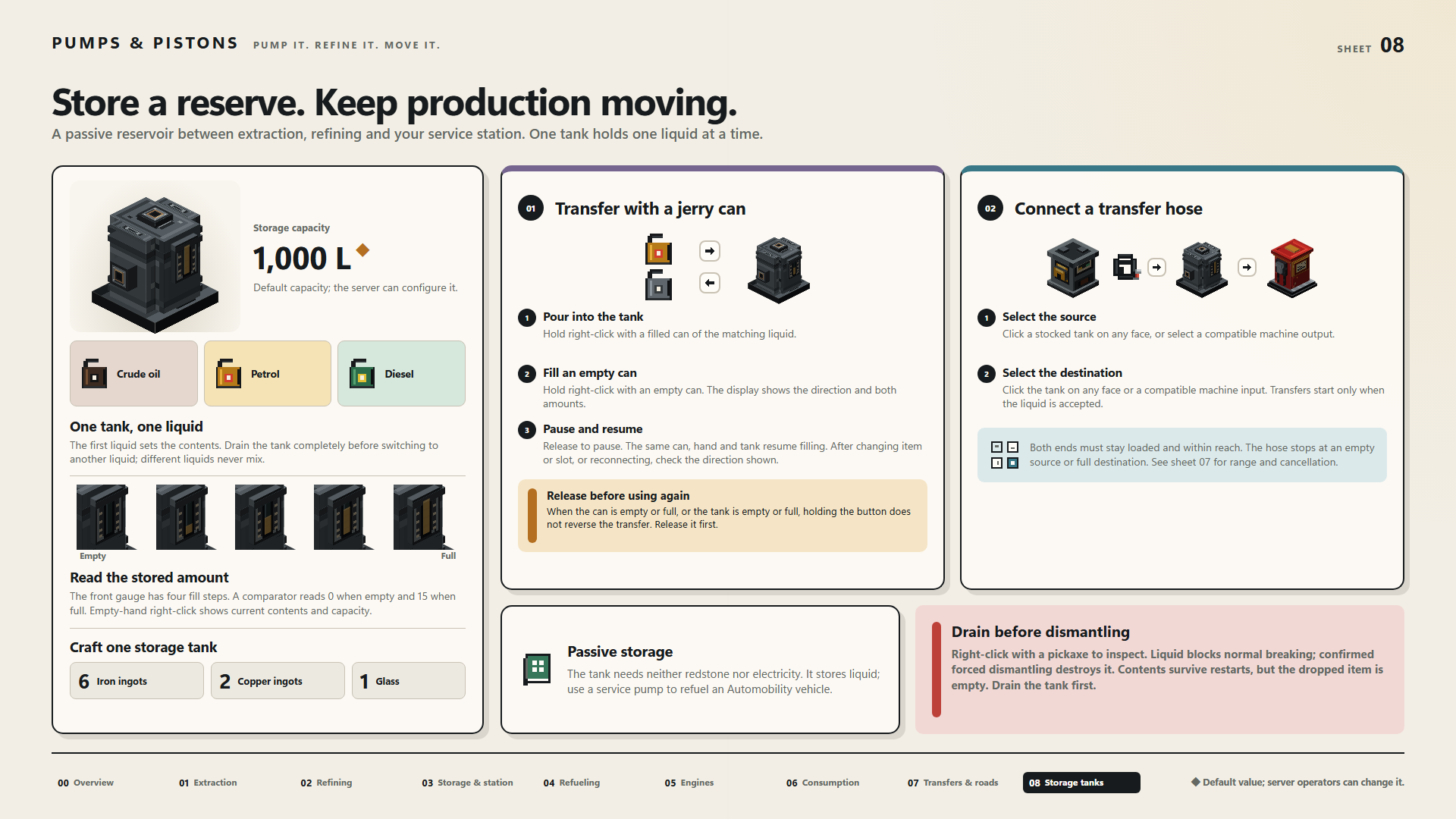
The front gauge has four fill steps. A comparator reads 0 when empty and 15 when full. Empty-hand right-click shows current contents and capacity.
- Empty
- Full
Craft one storage tank
- 6 × Iron ingots
- 2 × Copper ingots
- 1 × Glass
Passive storage
The tank needs neither redstone nor electricity. It stores liquid; use a service pump to refuel an Automobility vehicle.
Drain before dismantling
Right-click with a pickaxe to inspect. Liquid blocks normal breaking; confirmed forced dismantling destroys it. Contents survive restarts, but the dropped item is empty. Drain the tank first.
◆ Default value; server operators can change it.